Correct on every policy
Enter the rate once; PolicyDay does the arithmetic.
- Commission on OD, net, TP or total premium
- TDS deducted at your rate
- Sub-agent or DSA payout deducted, leaving your net income
Commission rules differ by insurer and product, and payments arrive late. PolicyDay works out the commission on every policy as you enter it, and shows you what has been paid and what is still pending.
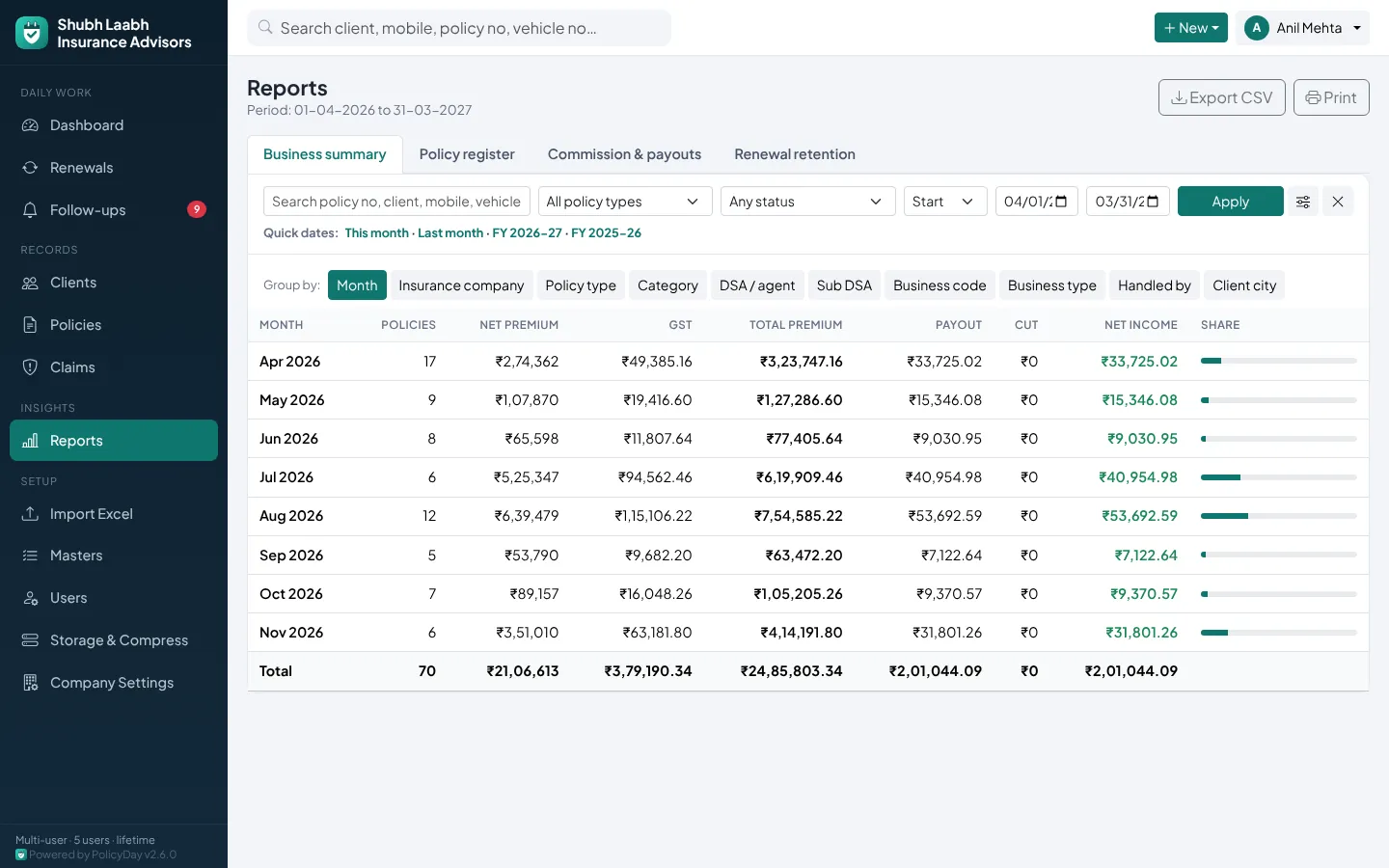
Enter the rate once; PolicyDay does the arithmetic.
Follow up on commission the way you follow up on renewals.
Use the numbers to decide what to sell.
Yes. Each policy has its own commission basis and percentage, so different insurers and products are handled correctly.
Yes. Set your default TDS rate once; it is applied to every new policy and can be changed per policy.
Yes. Reports follow the Indian financial year, April to March, and can be grouped by month, insurer or policy type.
Open the live demo, filled with sample clients and policies. No sign-up needed.